A more personal first start
Use your current location with permission, and keep your saved places and preferences through upgrades. The welcome screen appears once.
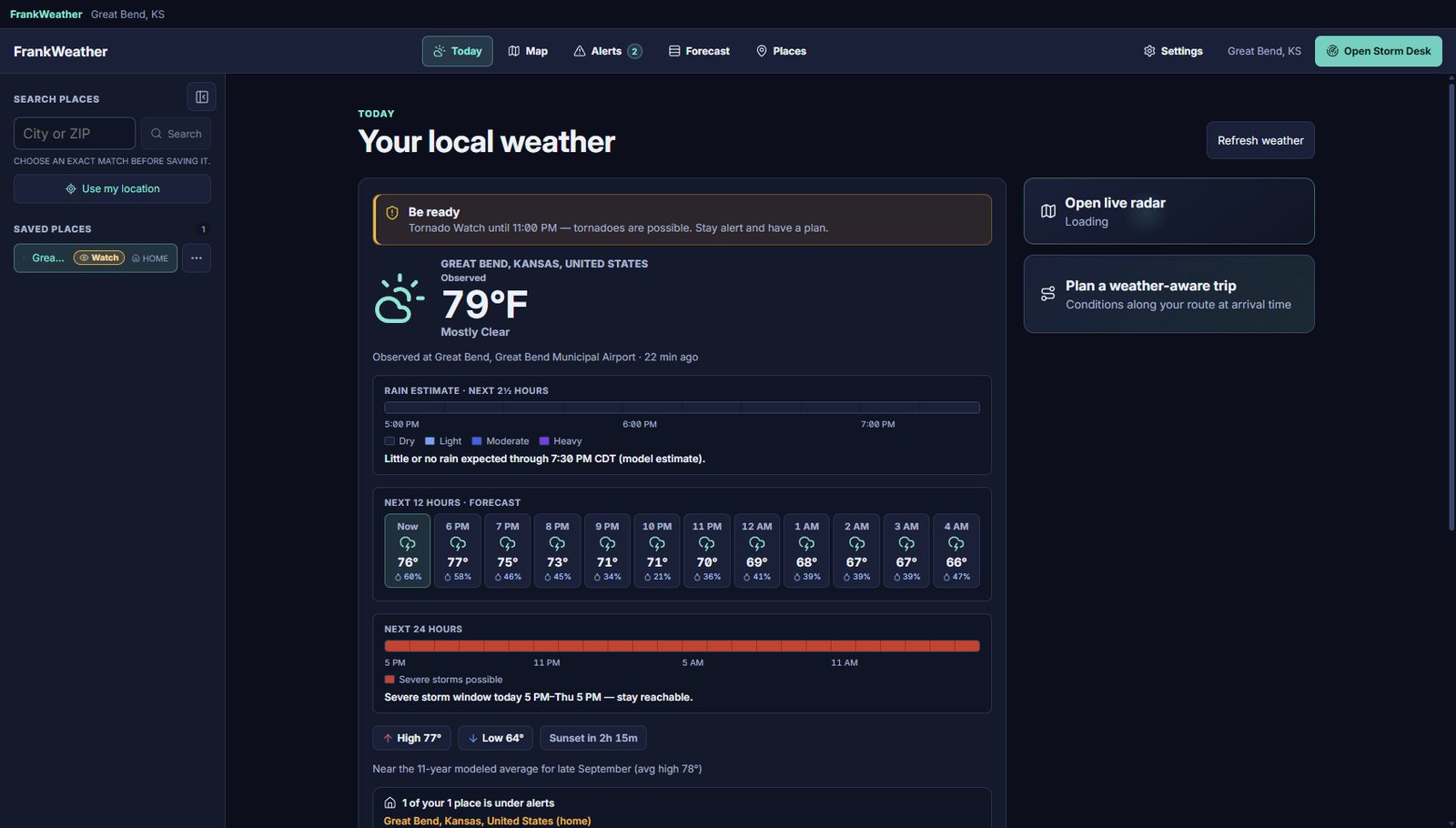
Check the day ahead, follow the rain, and understand official weather notices in one place. Start with the everyday view, then open Storm Desk when you want more detail.
Get the right app. We’ll highlight this device; nothing downloads until you click.
Built on official data: National Weather Service · NOAA · Storm Prediction Center · National Hurricane Center · USGS
New release · Version 0.38
Version 0.38 is available now for Windows, Mac, iPhone/iPad with the Watch companion, and Android. Update through your app store or use the Windows download below.
Use your current location with permission, and keep your saved places and preferences through upgrades. The welcome screen appears once.
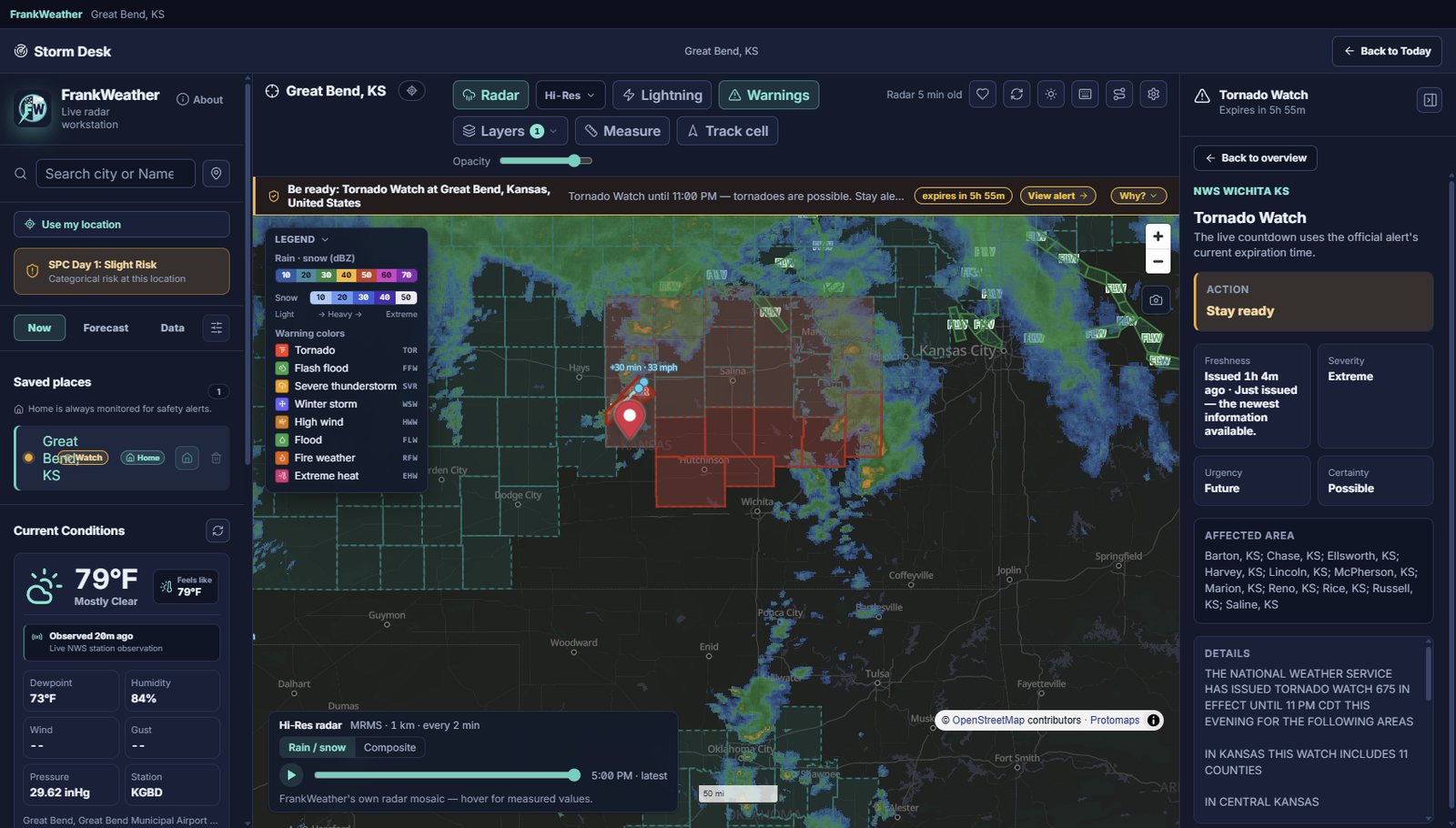
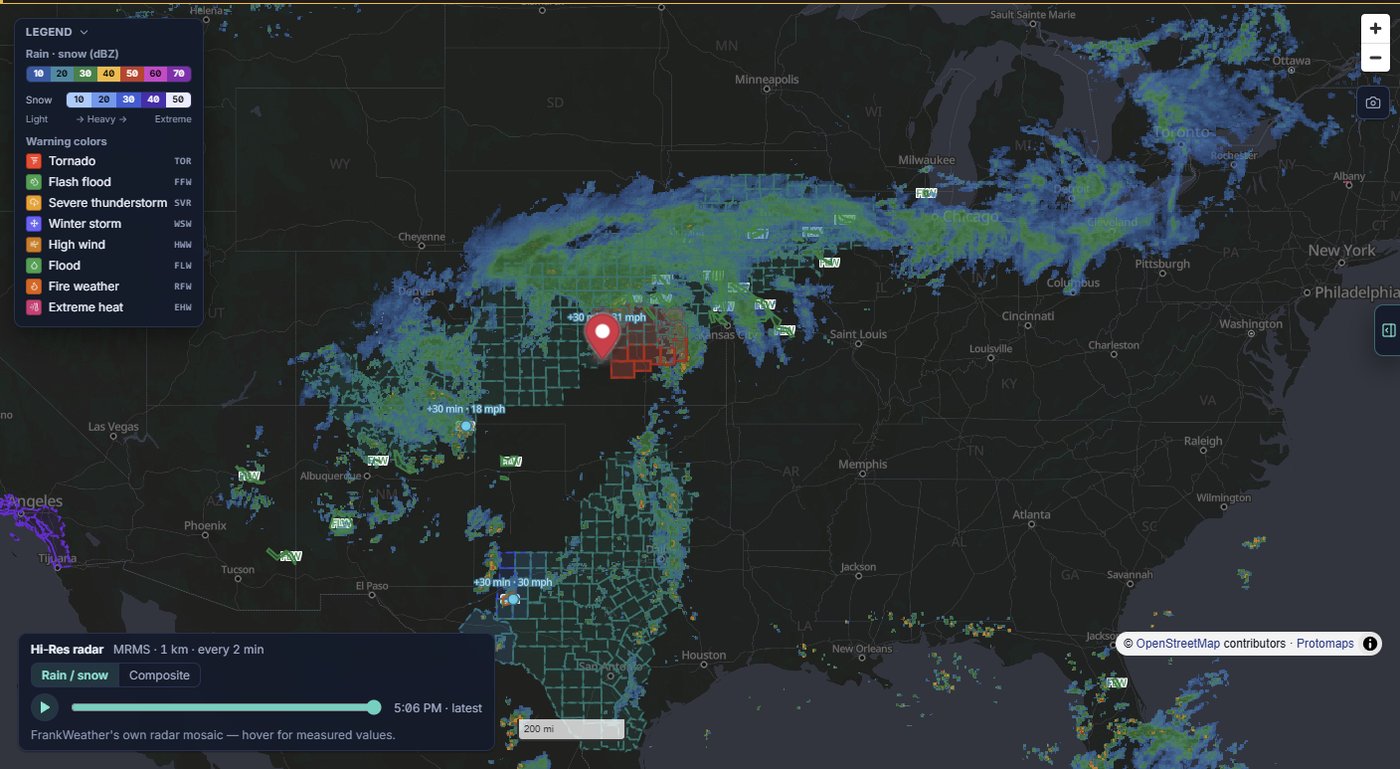
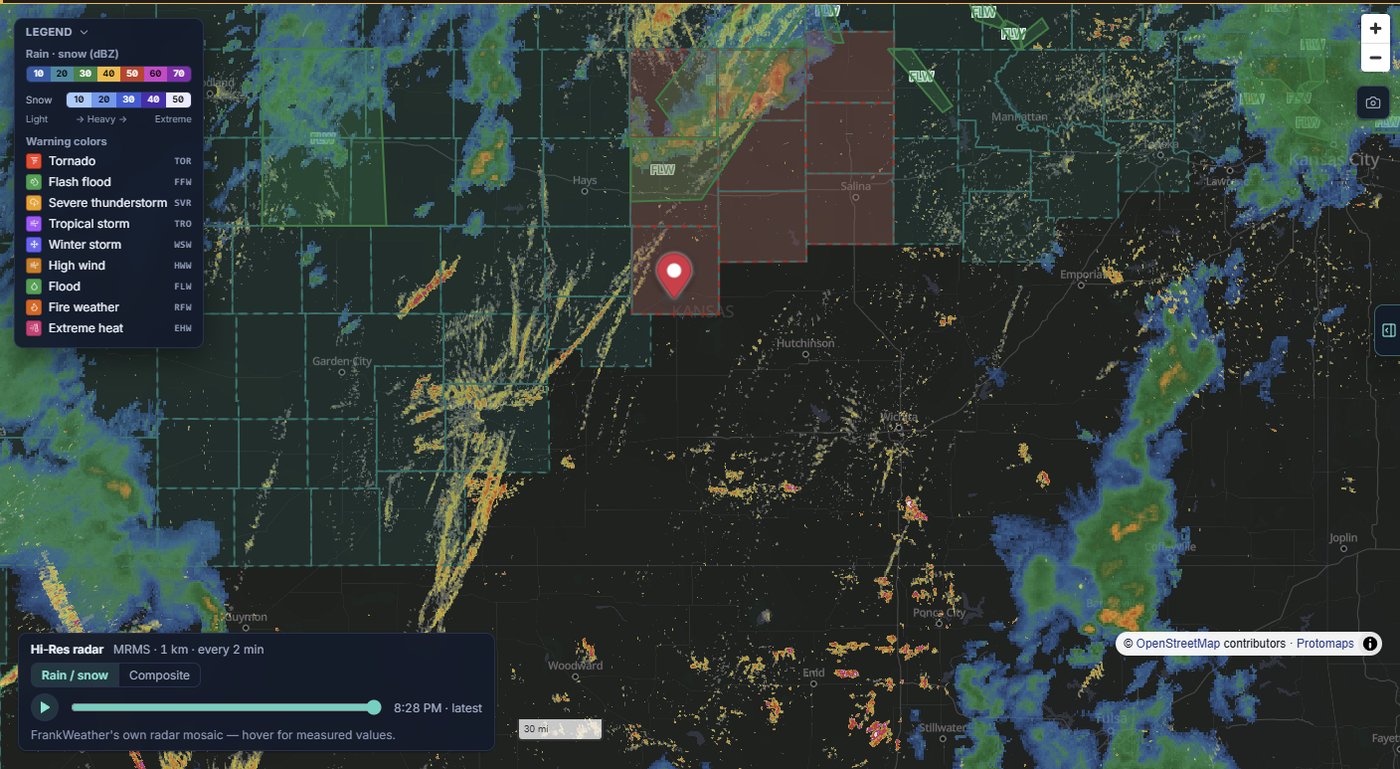
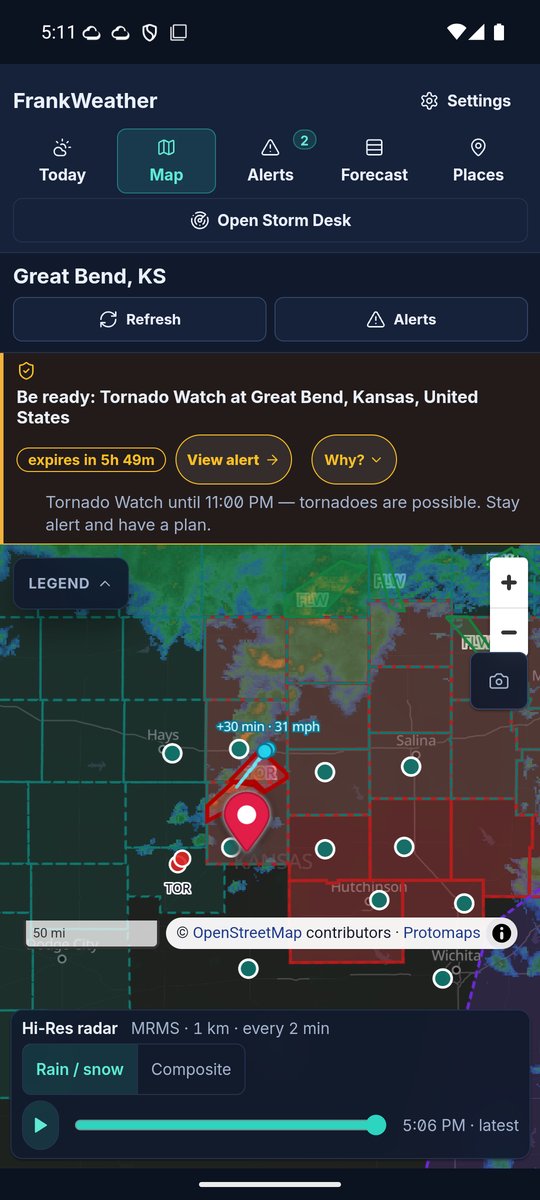
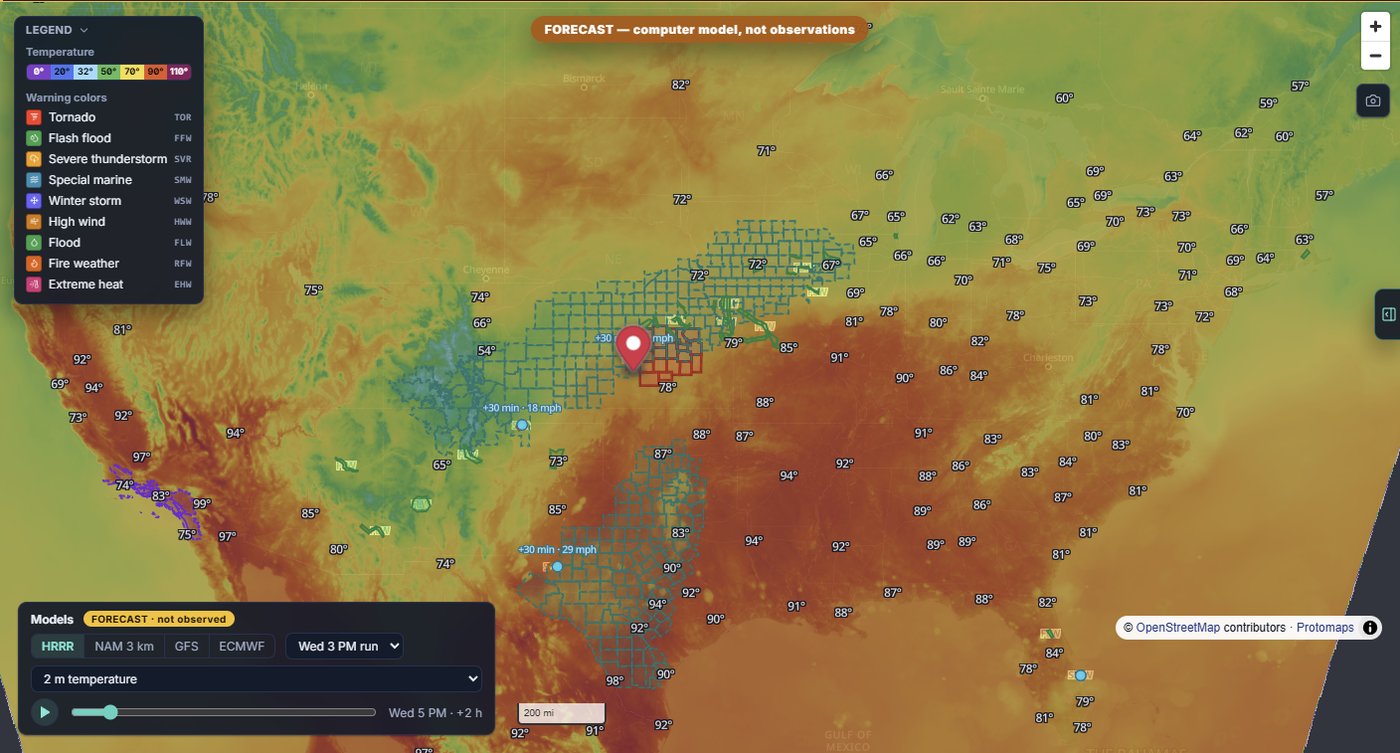
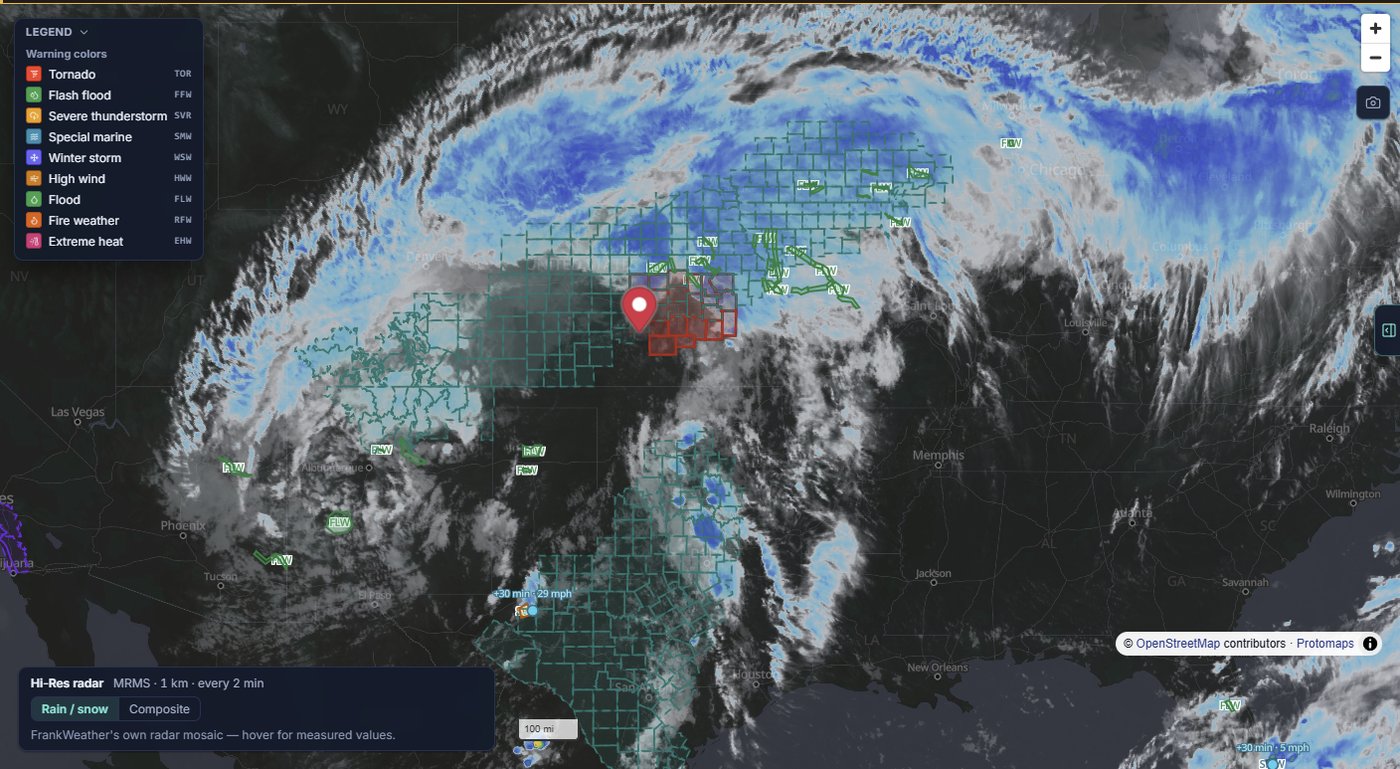
A high-contrast pin sits above rain overlays, making it easier to spot the location you are watching.
Search for what you need, browse clearer categories, and choose whether Today or Radar opens first.
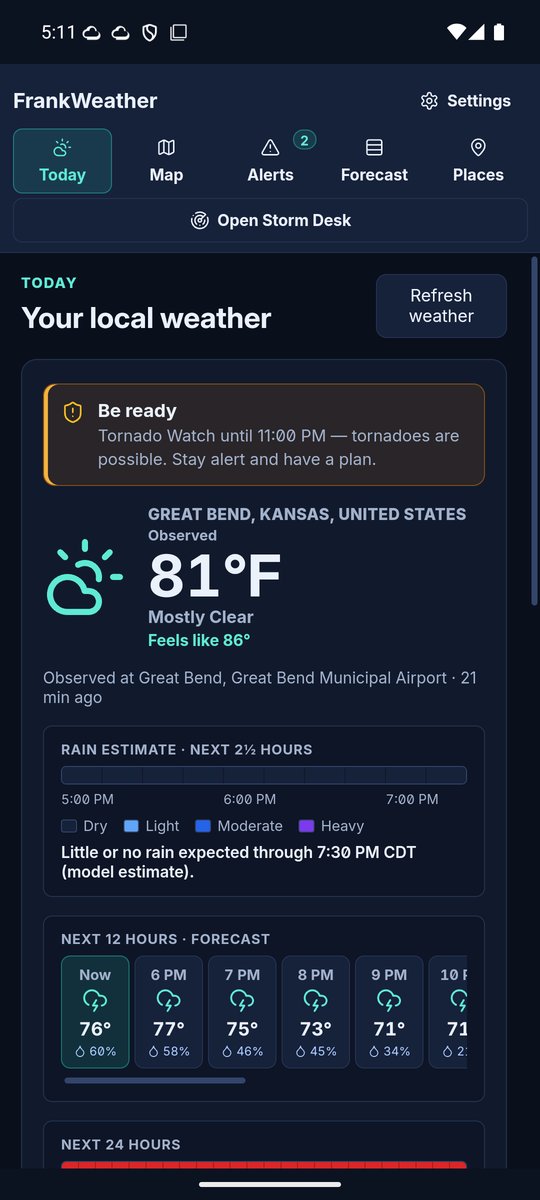
More hourly detail, stronger observation freshness checks, and clearer labels when information is missing or out of date.
Choose standard, lower-pitched, or chime alert tones and check local notification display with a clearly labeled test.
Updated air-quality and river information, plus simpler access to Today, Map, Alerts, Forecast, and Places.
Closed-app mobile notifications are in testing and are not enabled in version 0.38. Keep official emergency alerts enabled. Read the release notes →
Check what matters now, then go deeper when the weather calls for it.
Current observations, hourly changes, and the days ahead for the places you choose.
Follow precipitation and explore radar, satellite, and weather layers. Availability varies by region and data source.
NWS watches, warnings, and advisories with the source text and plain-language context. Mobile alerts are available while the app is open.
Explore air quality, river gauges, tropical systems, lightning, and other environmental information where coverage is available.
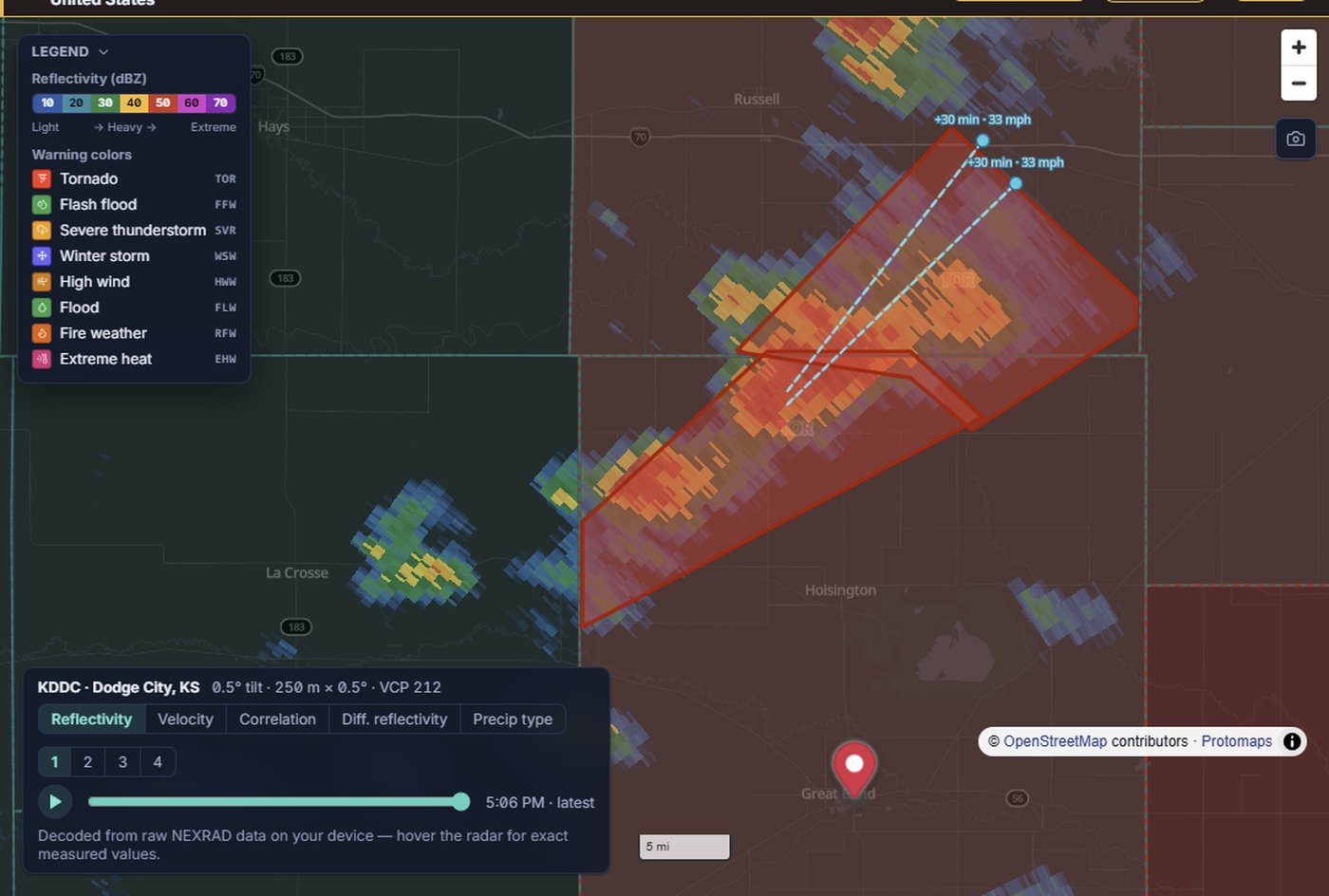
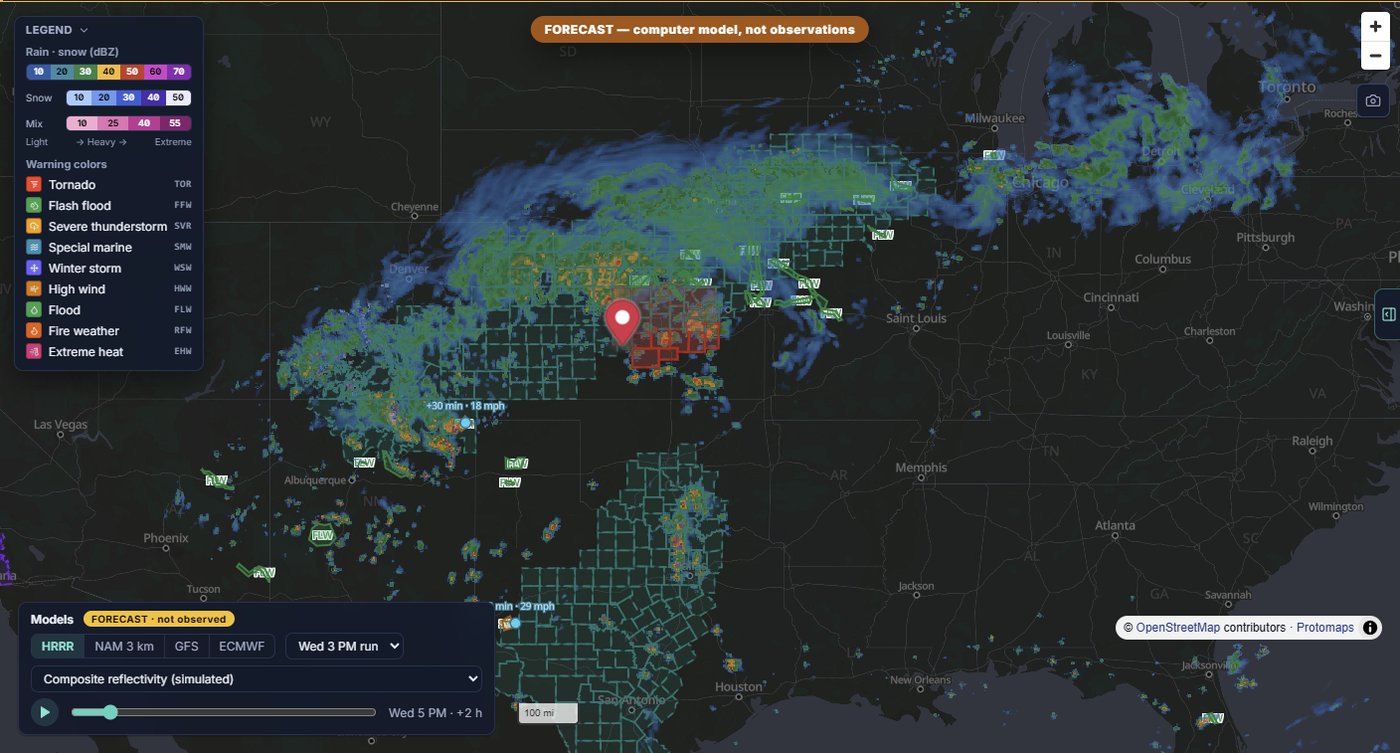
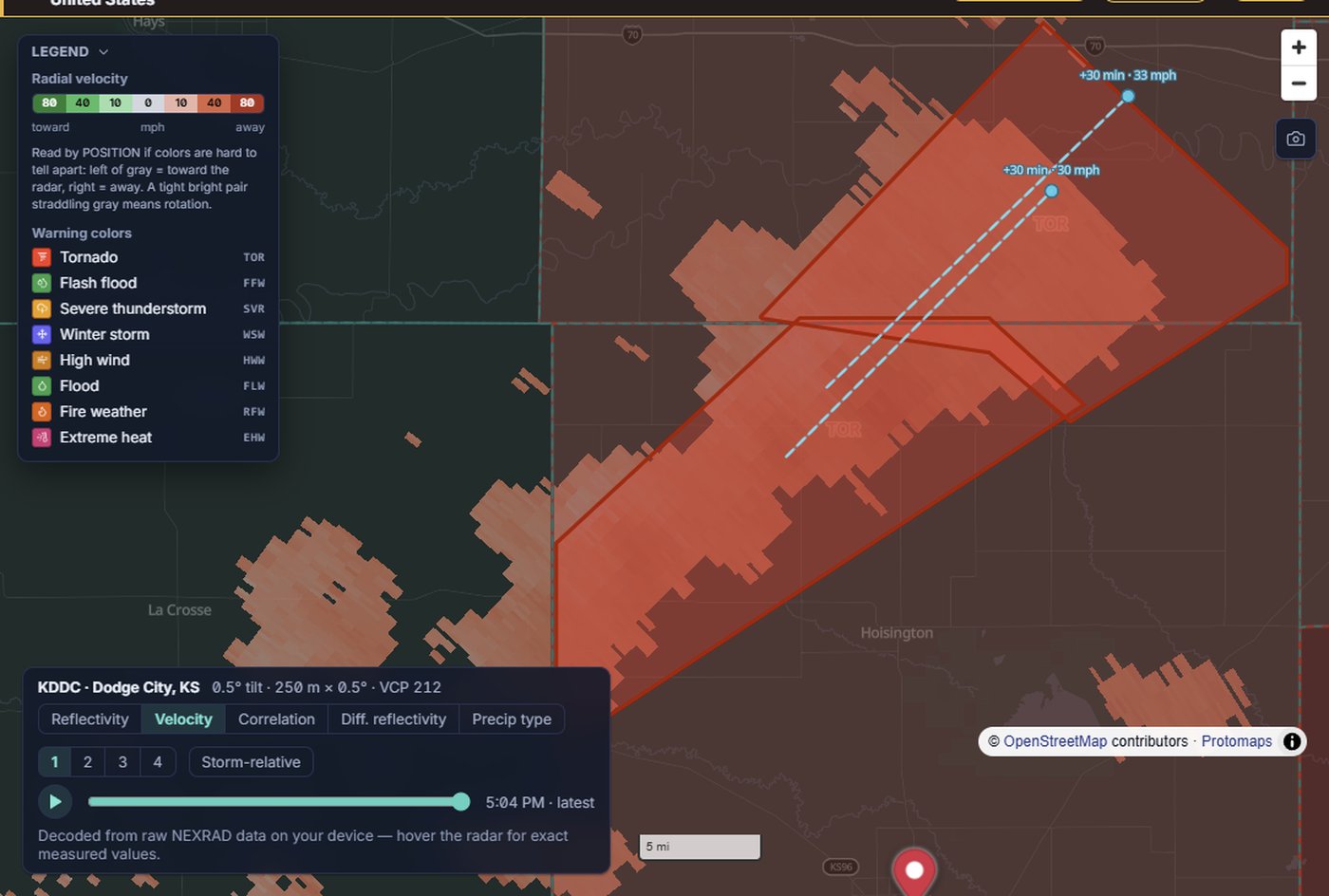
Explore forecast models, radar products, and storm tools. Desktop layouts include pop-out panels and mini radar.
Windows, Mac, iPhone, iPad, and Android. Weather browsing needs no paid plan or account, and there are no ads.
Actual screenshots of the 0.38 preview. Example weather was captured in Dallas; these images are not a live forecast.
FrankWeather is free and community-supported. Optional donations help pay for hosting, maintenance, and development. There are no ads or behavioral analytics, and donating does not unlock extra features.
$0
No license key or subscription
Any amount
Built and run by one person
Donate directly through PayPal to farena@projectbackstage.com. Choose your amount on PayPal; support is always optional. Bought a Pro license before? It's now free for everyone — thank you for funding the work that got it here.
Free — every feature, no required account. Choose the version made for your device.
Windows note: The installer isn't code-signed yet, so Windows SmartScreen may show a "Windows protected your PC" prompt on first run — click More info → Run anyway. (A signing certificate is what donations fund first.)
Really free — no trial or ads, and no account needed for weather browsing. FrankWeather started as a paid app and was made free because weather safety shouldn't be paywalled. Donations from people who find it useful keep the servers running.
Official public sources: the National Weather Service, NOAA/NEXRAD radar, the Storm Prediction Center, the National Hurricane Center, USGS, Open-Meteo model data, and Blitzortung lightning. The About panel in the app credits every provider.
Use it to understand the weather — but never as your only alert source. FrankWeather is a convenience tool built on official feeds; for life-safety, also have NOAA Weather Radio or Wireless Emergency Alerts enabled. The app itself will tell you the same thing.
Weather browsing requires no account, and FrankWeather includes no advertising or behavioral analytics. Optional cloud notifications are being tested; enrollment shares monitored coordinates and device routing information, as described in our privacy policy. Core saved locations and settings stay on your device. Live weather requests go to public data providers and, where needed, FrankWeather proxy/cache services; those services can receive ordinary network metadata such as your IP address and requested resource. See the privacy policy for the full, platform-neutral explanation.
The installer isn't code-signed with a paid certificate yet, so Windows shows its generic "unrecognized app" prompt. Click More info → Run anyway. In-app updates are Ed25519-signature-verified regardless.